The dashboard
Updated
The management dashboard is where an organization is run: projects and secrets, who can see what, machine credentials, audit history, and billing. Click any screenshot to enlarge it.
Signing in and registering
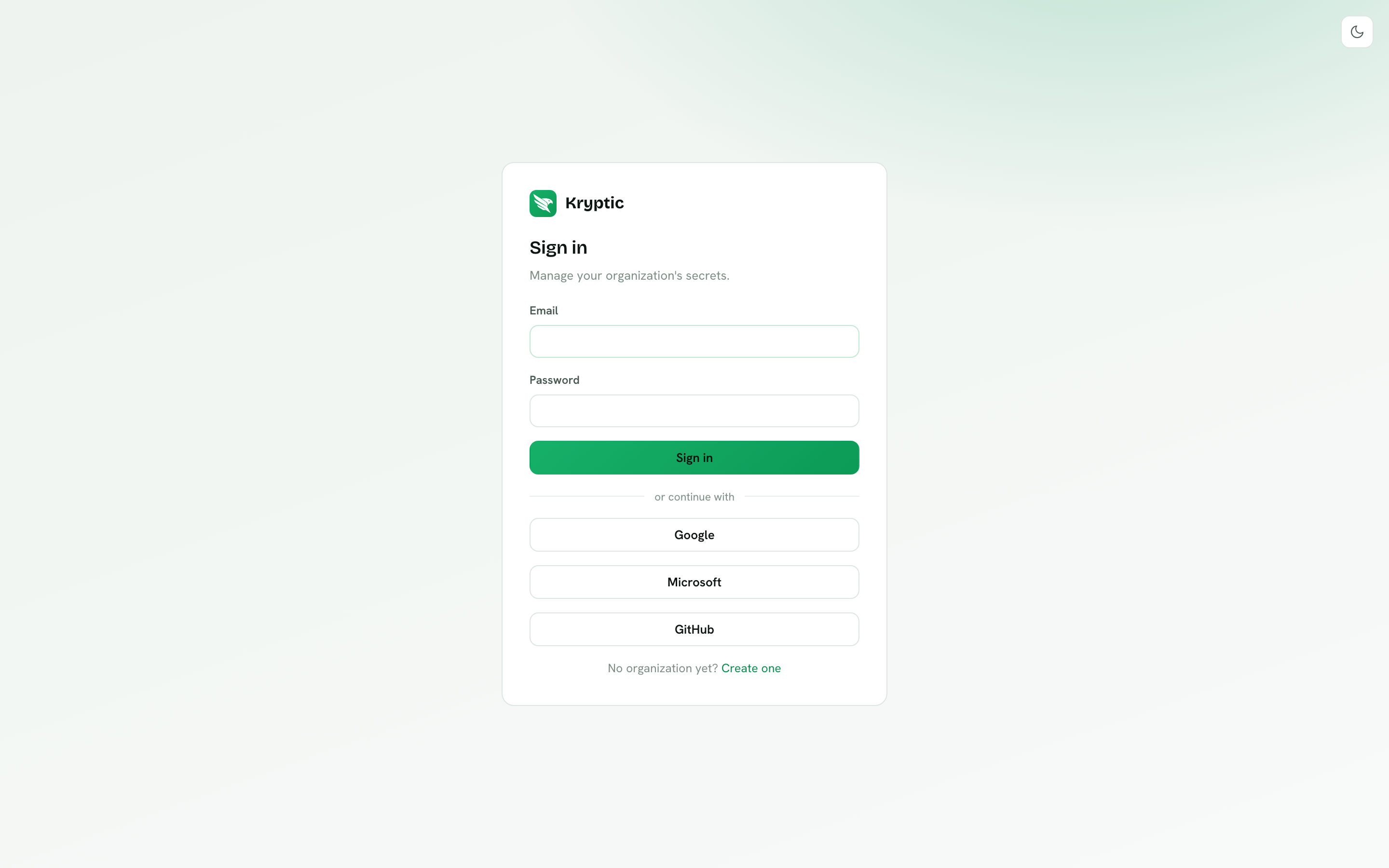
Sign in with email and password, or with Google, Microsoft, Microsoft Entra ID, or GitHub. If the email domain has SAML, a one-click SSO button appears after you type the address.
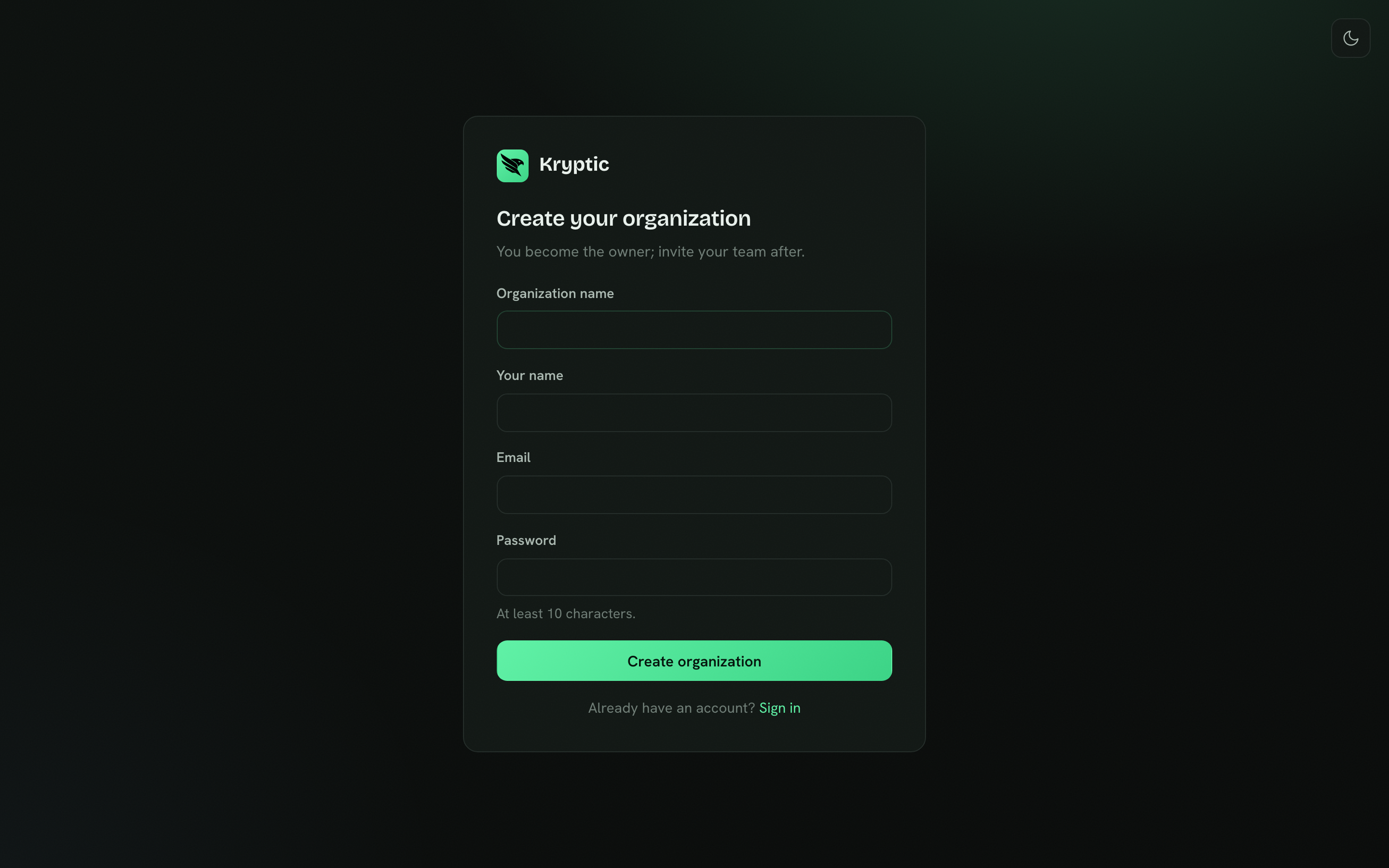
Register with Google, Microsoft, Entra ID, or GitHub creates the organization
immediately. The identity provider already verified the address, so there is no
confirmation email. The first login then asks the owner to confirm the
organization name. Closing the browser is fine: the prompt returns on the next
sign-in, or they can save it under Settings → General. Password signup still
asks for a confirmation click before the organization exists, and the name is
already on that form. Self-hosted instances skip that email and create the
organization on submit. You become the Owner either way. A ?plan=team or
?plan=business link starts a 14-day trial without a card. Add a payment
method in Plans & billing before the trial ends, or the organization returns
to Free. Invite the rest of
the team after you are in.
Chrome, roles, and the vault
The sidebar is split into Workspace (Dashboard, Projects, Secret scanning) and Organization (Members, Groups, Org shared secrets, Machine identities, Daemon sessions, Approvals, Audit log, Roles, Integrations, Settings). Nav items follow the caller's permissions. Everyone can open My daemons, My requests, and Settings (Account if they sign in with a local password, General and Authentication if they can update the organization, then Encryption).
The top bar has jump-to-project search, a notifications bell, and the theme toggle.
Roles are Owner, Admin, Developer, and Viewer. Enterprise can edit the last three and create custom roles. Owner is locked.
Reveal, import, export, creating a machine identity, and sealing the organization key all need the vault unlocked. Enroll, unlock, and rotate under Settings → Encryption. The passphrase never leaves the browser.
Overview
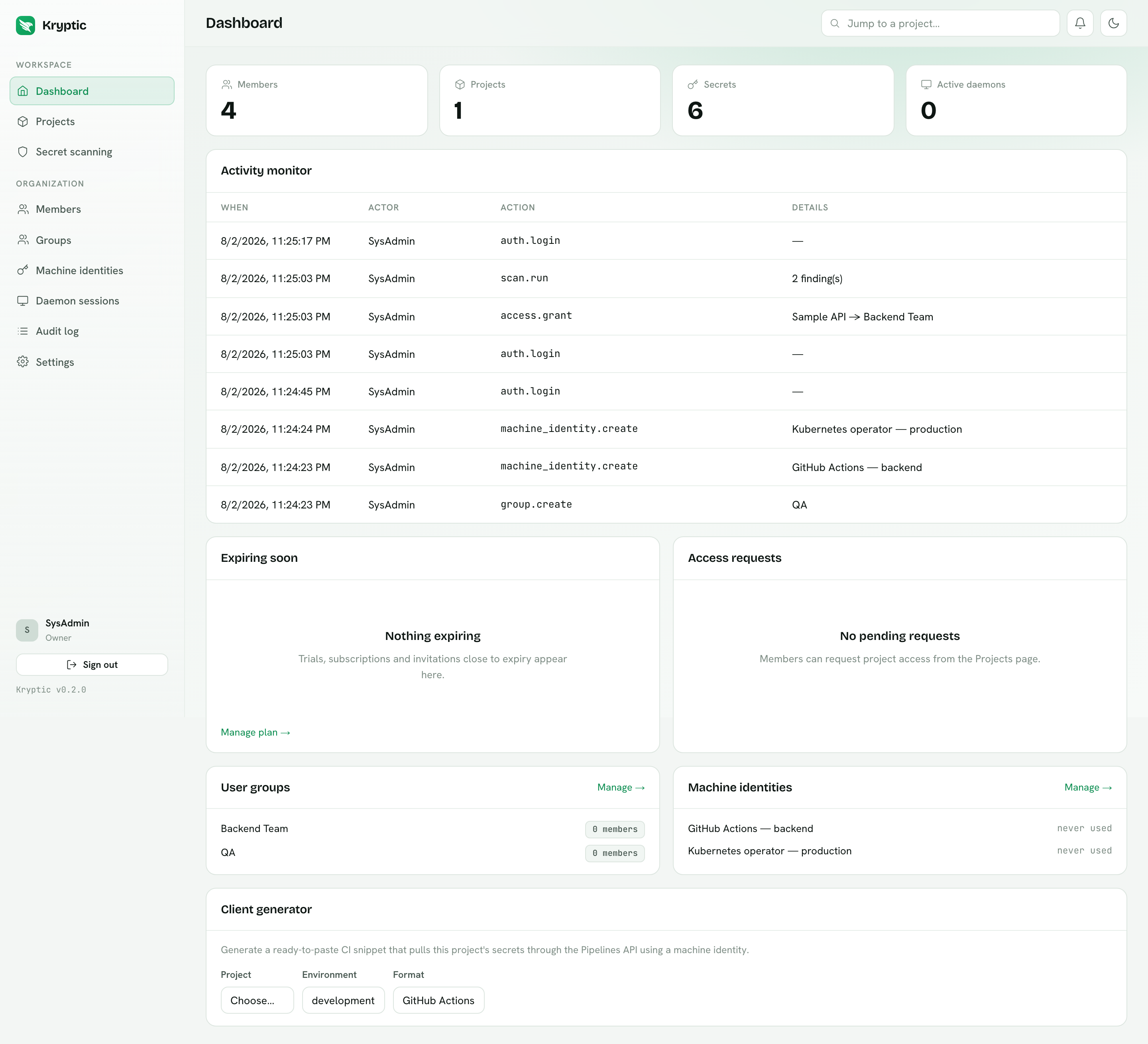
The dashboard is the operational summary: member, project, secret and active
daemon counts; a live activity monitor (your own rows unless you are Admin+);
trials and invitations that are about to expire; an Approvals summary that
links to the inbox; group and machine-identity summaries; and a CI client
generator for GitHub Actions, GitLab CI, Azure DevOps, Docker, Compose,
dotenv, and the other runners listed in CI/CD. Prefer
kryptic ci export in those snippets: the
platform serves ciphertext, and the CLI decrypts on the runner.
If this browser saw a daemon device-flow code that is still waiting, a banner
at the top links to Approve daemon (/device).
Projects
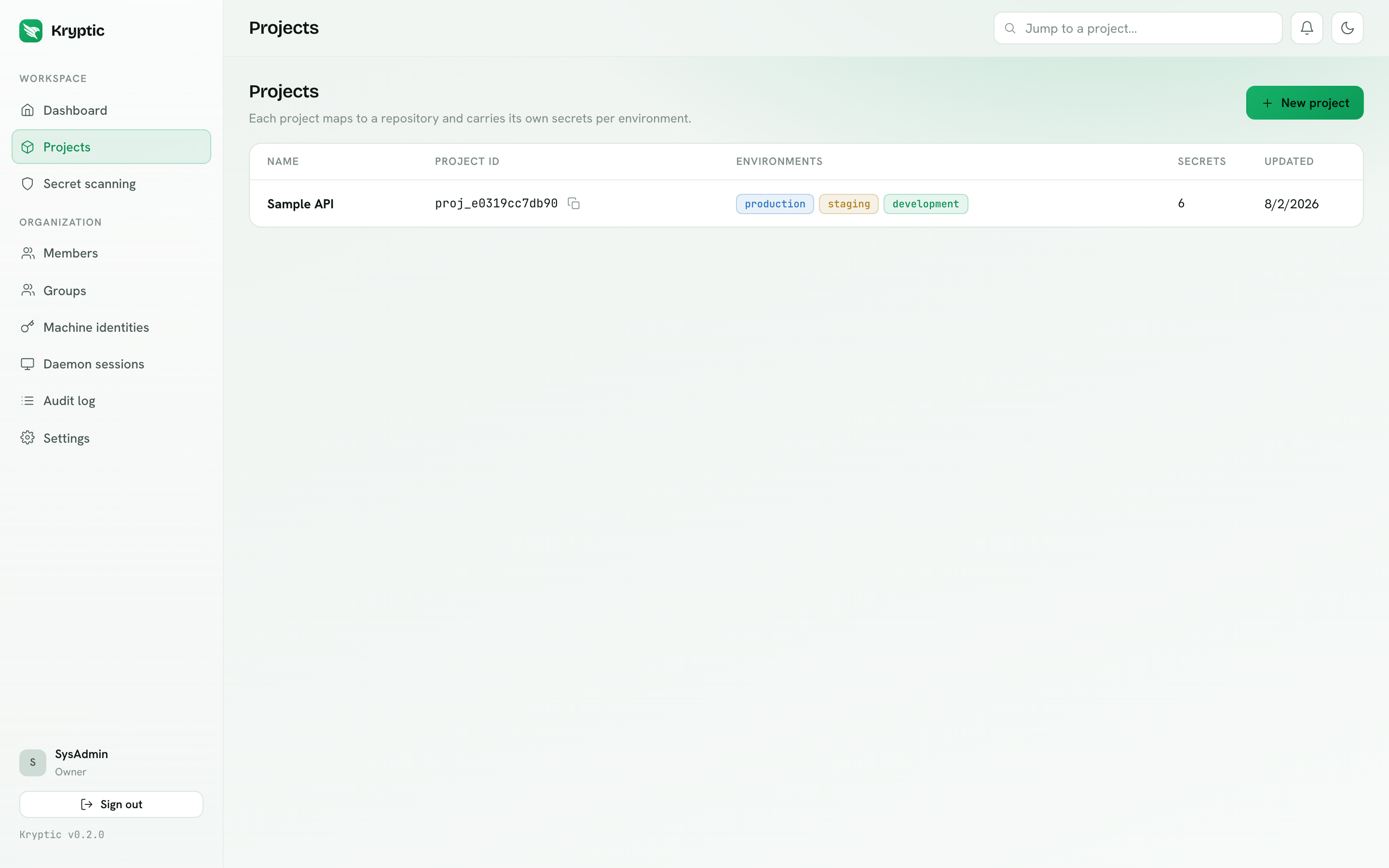
A project maps to a repository. Creating one auto-creates the development,
staging and production environments and shows the kryptic.json to commit.
Developers and Viewers can Request access from this page (environments,
level, and a reason). Admins approve those requests on Approvals.
Secrets
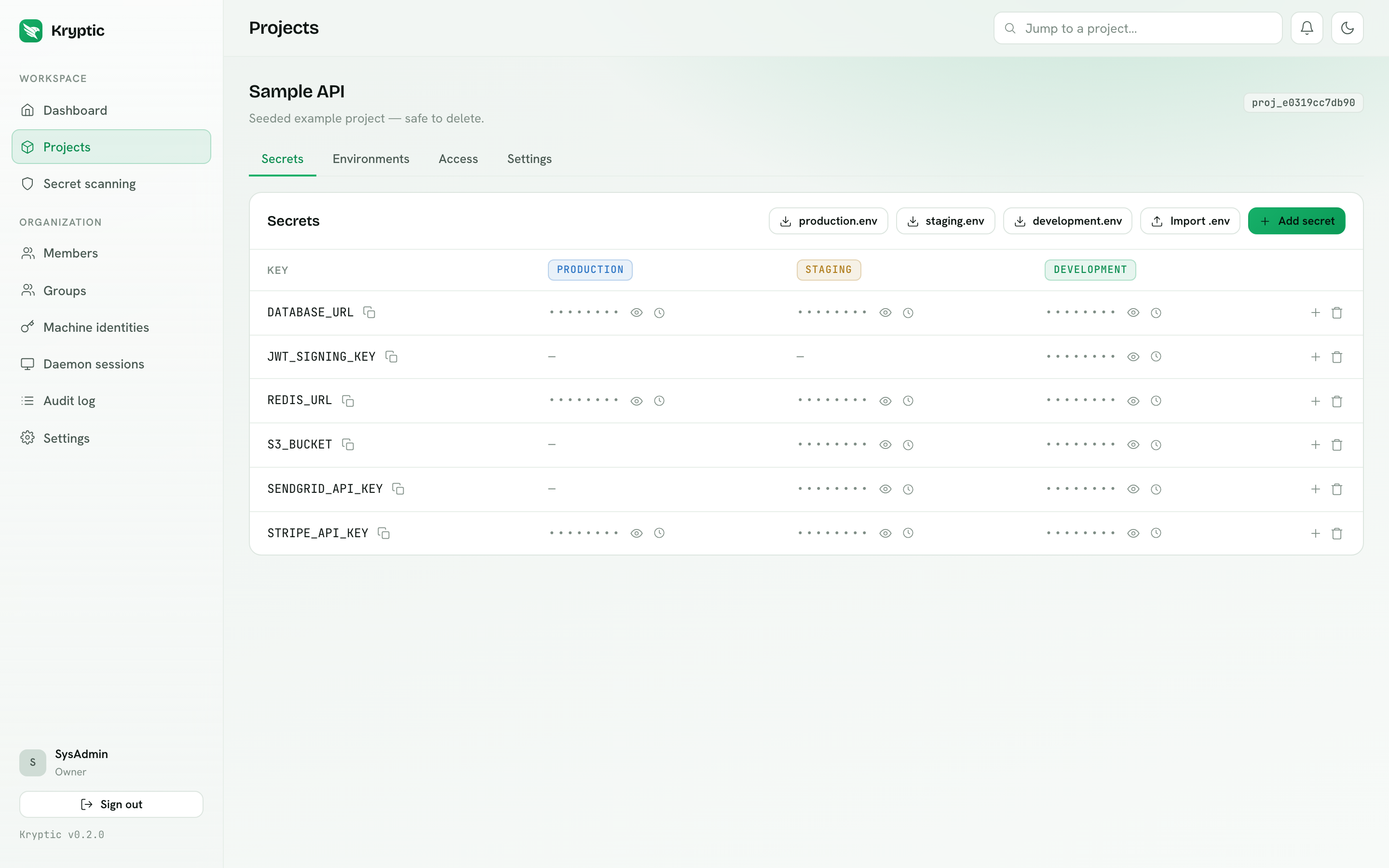
Rows are keys, columns are environments. Values are never sent to the browser by default. Cells are masked, and revealing one is an explicit, audit-logged call that decrypts in the browser under the org key.
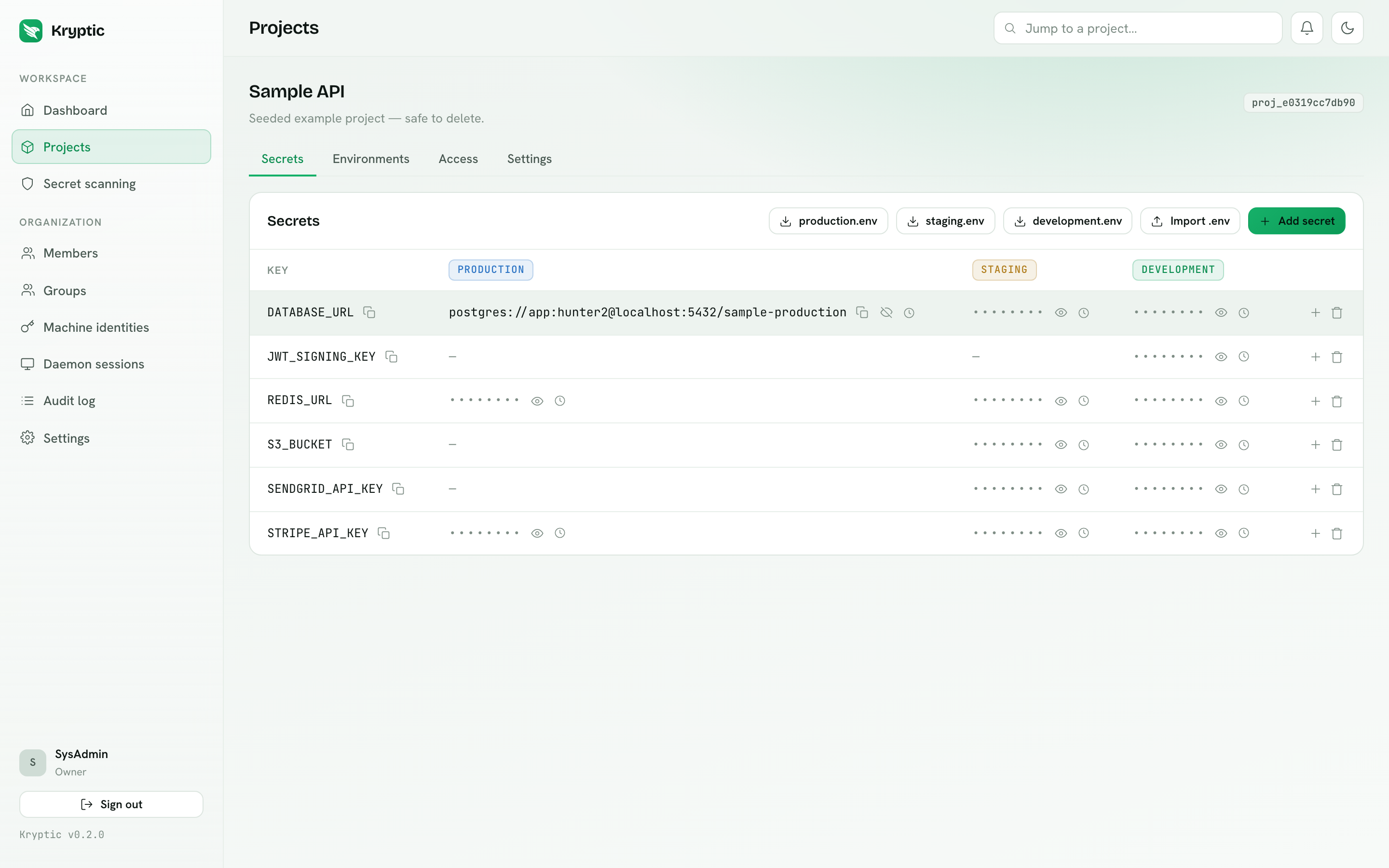
Each cell offers reveal, copy, version history with restore, and delete. Version
history can reveal a past value when the vault is unlocked (or after the usual
unlock dialog). The toolbar handles .env import and per-environment export.
Import encrypts in the browser before upload.
Four secret types ship today:
- String - a normal encrypted value per environment.
- Reference - an alias for another String secret in the same project. The server copies the target's ciphertext under the alias key for the same environment. Decrypt still uses the target's definition id, so the blind-store model is unchanged. A secret cannot reference itself or form a cycle.
- Org reference - a pointer at one key in the organization catalog. You map each project environment to a catalog environment (or leave it unlinked). Reads resolve the binding at read time. New links need Business or Enterprise. See Org shared secrets.
- Dynamic - leased credentials, Enterprise only. Generate lease needs the daemon running and signed in on this machine. CI and the operator mint on their own. See Dynamic secrets.
A calendar control on each key sets a rotation reminder (one-time or recurring). Shared catalog keys have the same control on Org shared secrets. Due reminders appear on the dashboard Expiring soon card. If no recipients are selected, owners and admins are notified.
Developers who edit a value or create an org reference submit a change request. Owners and admins approve or deny it on Approvals. Value changes are revealed in the browser (vault unlocked). Org-reference requests show the catalog key and environment mappings instead. The requester can cancel, which clears the admin notification. How long a pending change stays open is set on the organization. The default is 7 days, and no expiration is an option.
Client generator
The Client generator tab emits a ready-to-paste snippet for the project's id and a chosen environment: GitHub Actions, GitLab CI, Azure DevOps, Docker, Compose, dotenv, and the rest of the CI/CD catalogue. Store the machine identity's client id and secret in the runner's secret store, paste, done.
Environments
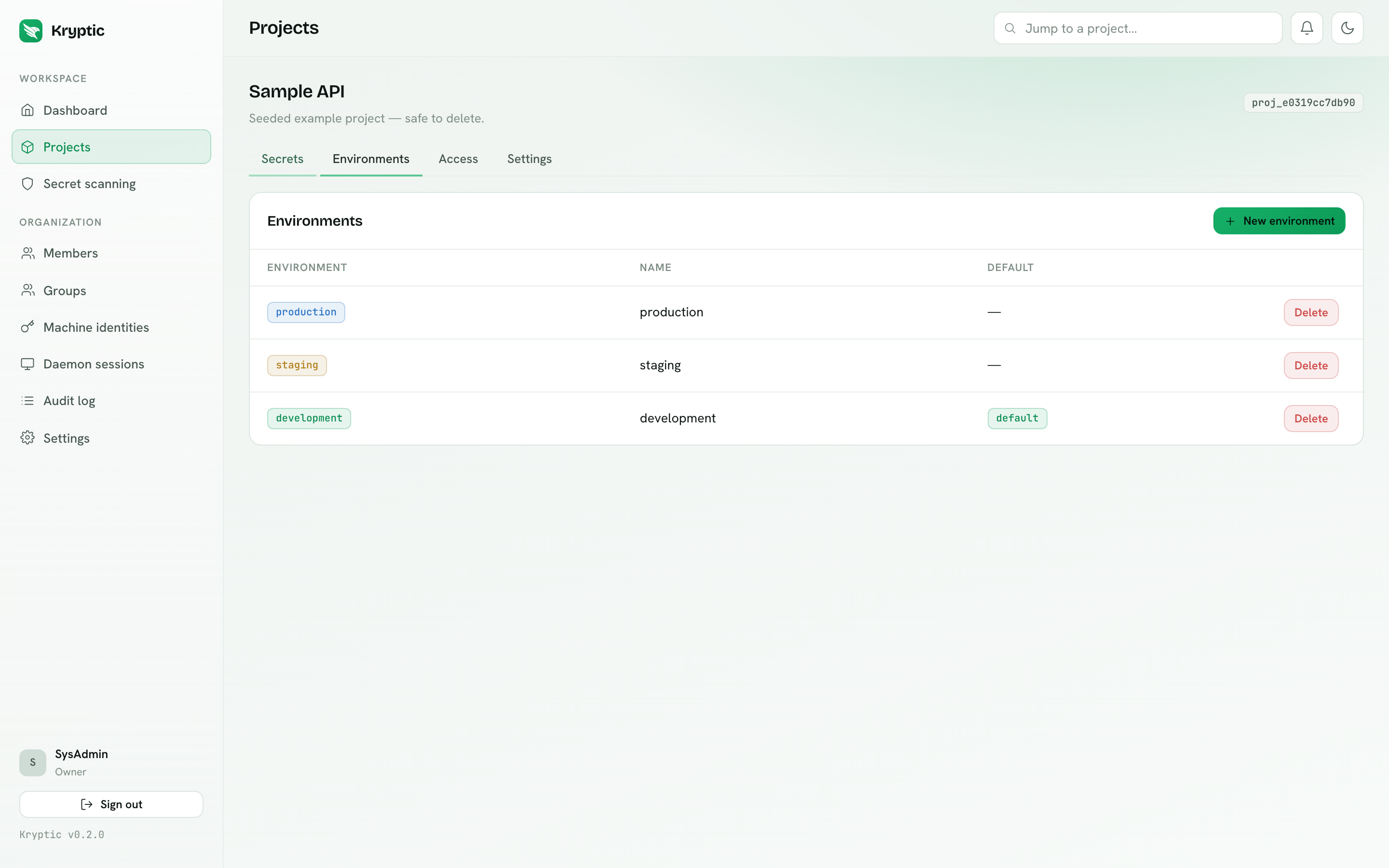
Add custom environments such as qa or preview within your plan's limit. You
cannot delete the last environment, and deleting one cleans up its values.
Admin only. On Enterprise, Protect on this tab holds changes for a role or a
named list of people. See Approval workflows.
Access
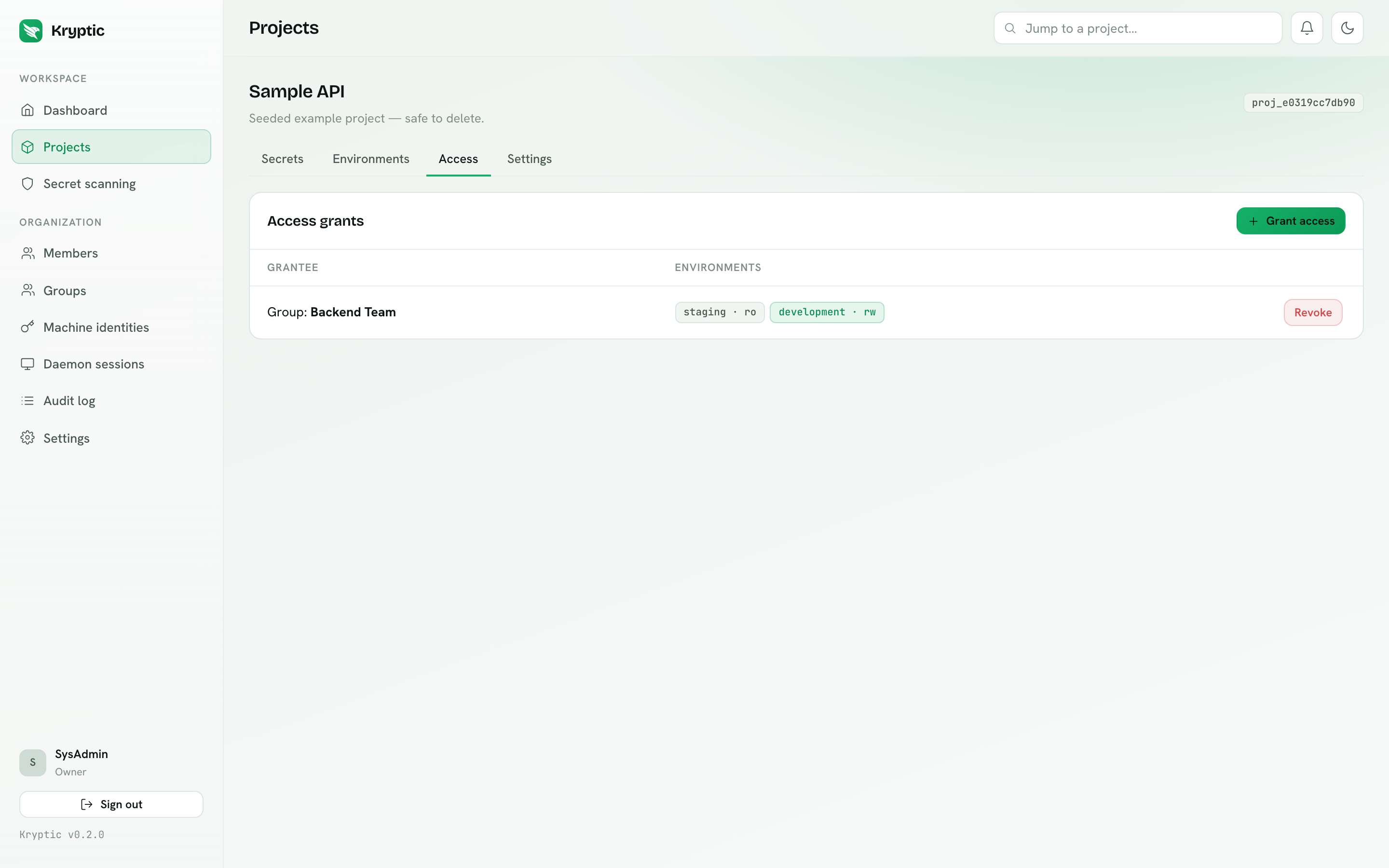
Grants tie a user or a group to this project with a level per environment. This is project access, not the organization-key grant (that lives on Approvals). See Access control for how grants and roles combine. Admin only.
Settings
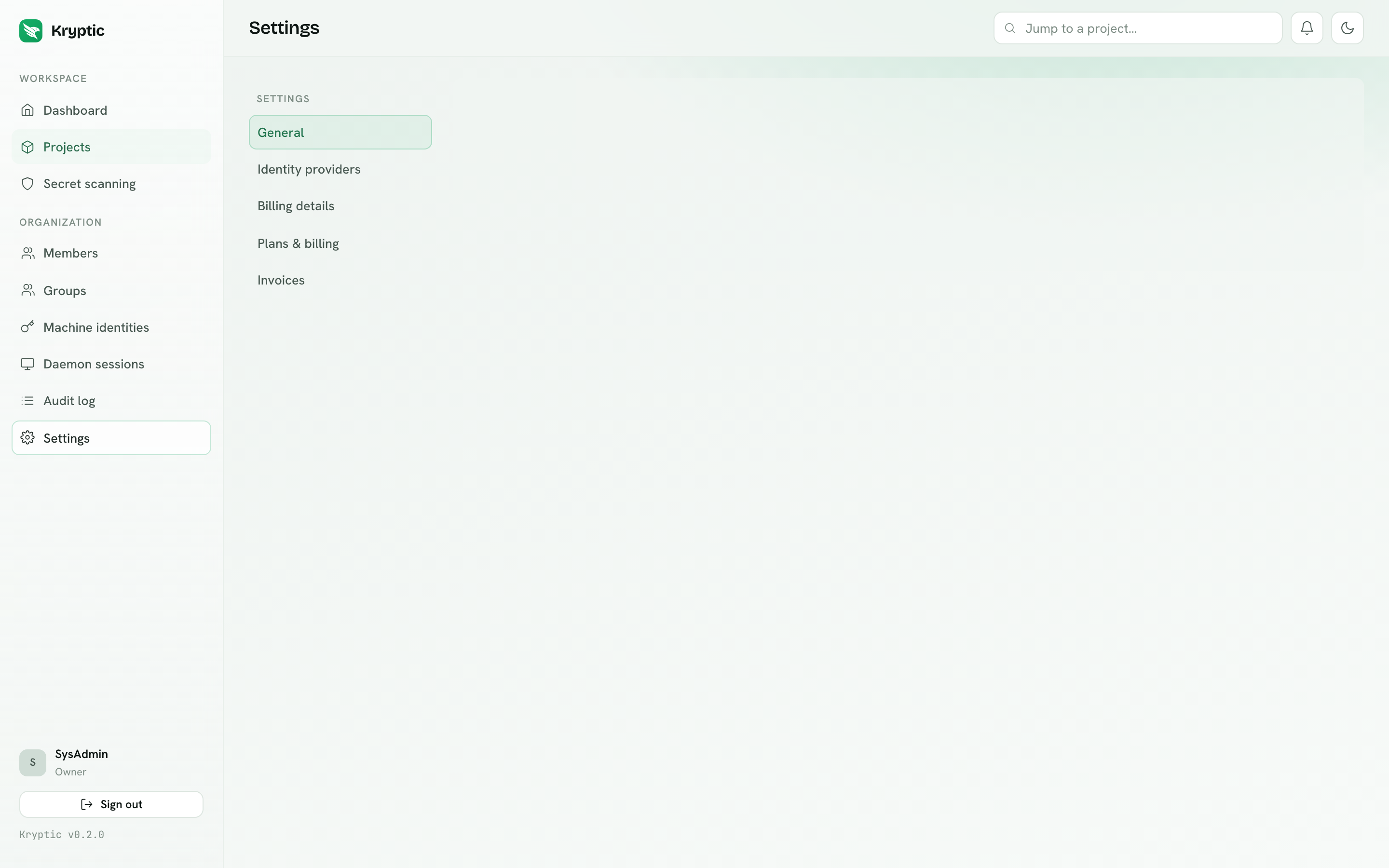
Rename the project, copy its kryptic.json, or delete it. Deletion requires
typing the project name. Admin only.
Org shared secrets
Org shared secrets is the organization catalog: keys that many projects can point at (AWS, Stripe, and similar). Owners and Admins author it. Developers see key names and catalog environments when they add an Org reference on a project. Managing the catalog and creating new project links is Business and Enterprise. Existing links keep resolving after a fallback to Free or Team. The full rules are on Org shared secrets.
Members
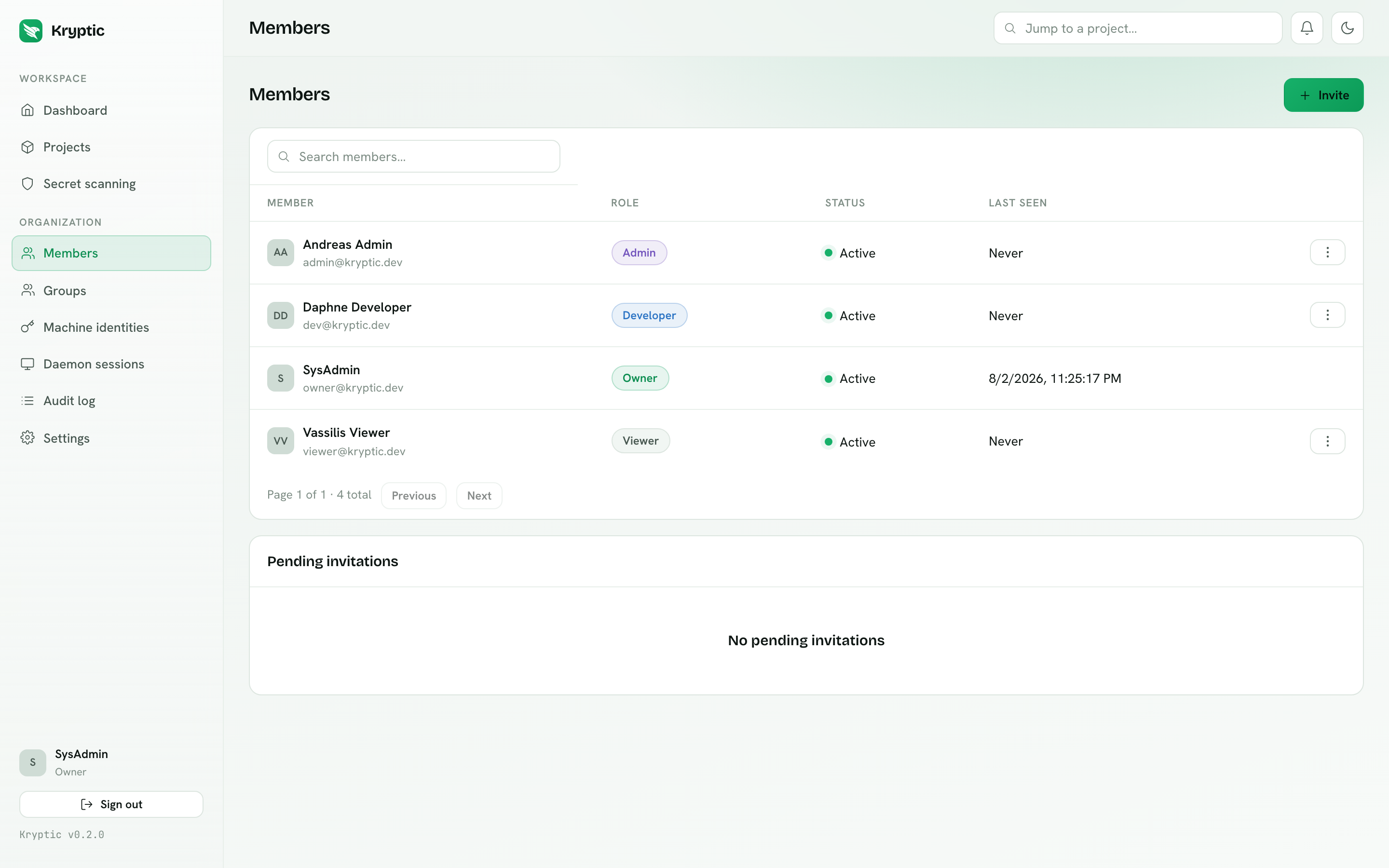
Invite several emails at once (one per line or comma-separated), assign a
built-in role (Admin, Developer, or Viewer), deactivate or reactivate people,
and revoke sessions. There is no CSV import. Enterprise can assign custom
roles. Pending
invitations can be resent (which issues a fresh token and invalidates the old
one) or cancelled. Invitees accept at /invitations/accept by setting a name
and a password.
Groups
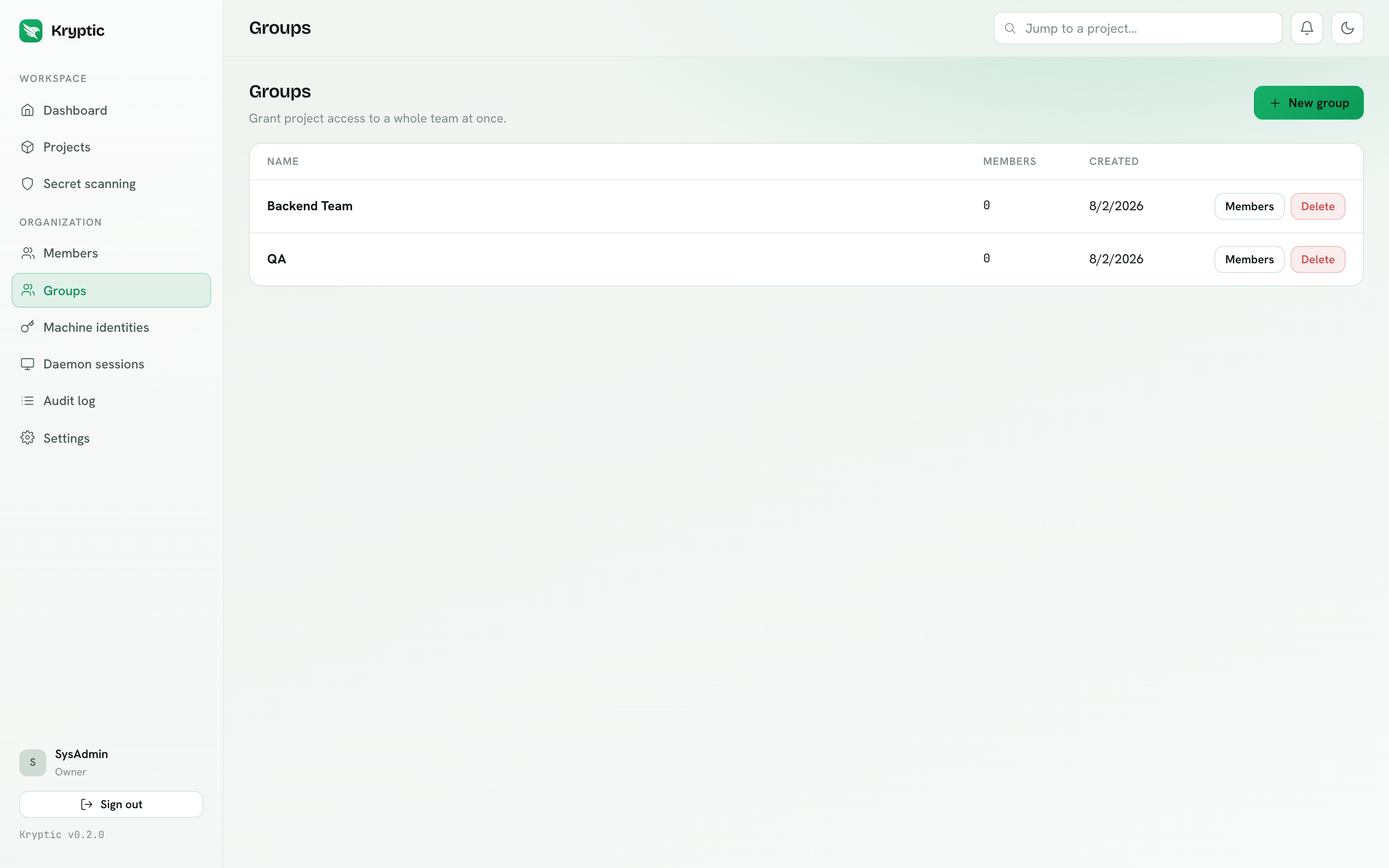
Groups hold project access grants. Granting "Backend Team" access to a project survives staff changes: you manage membership, not a dozen individual grants.
Machine identities
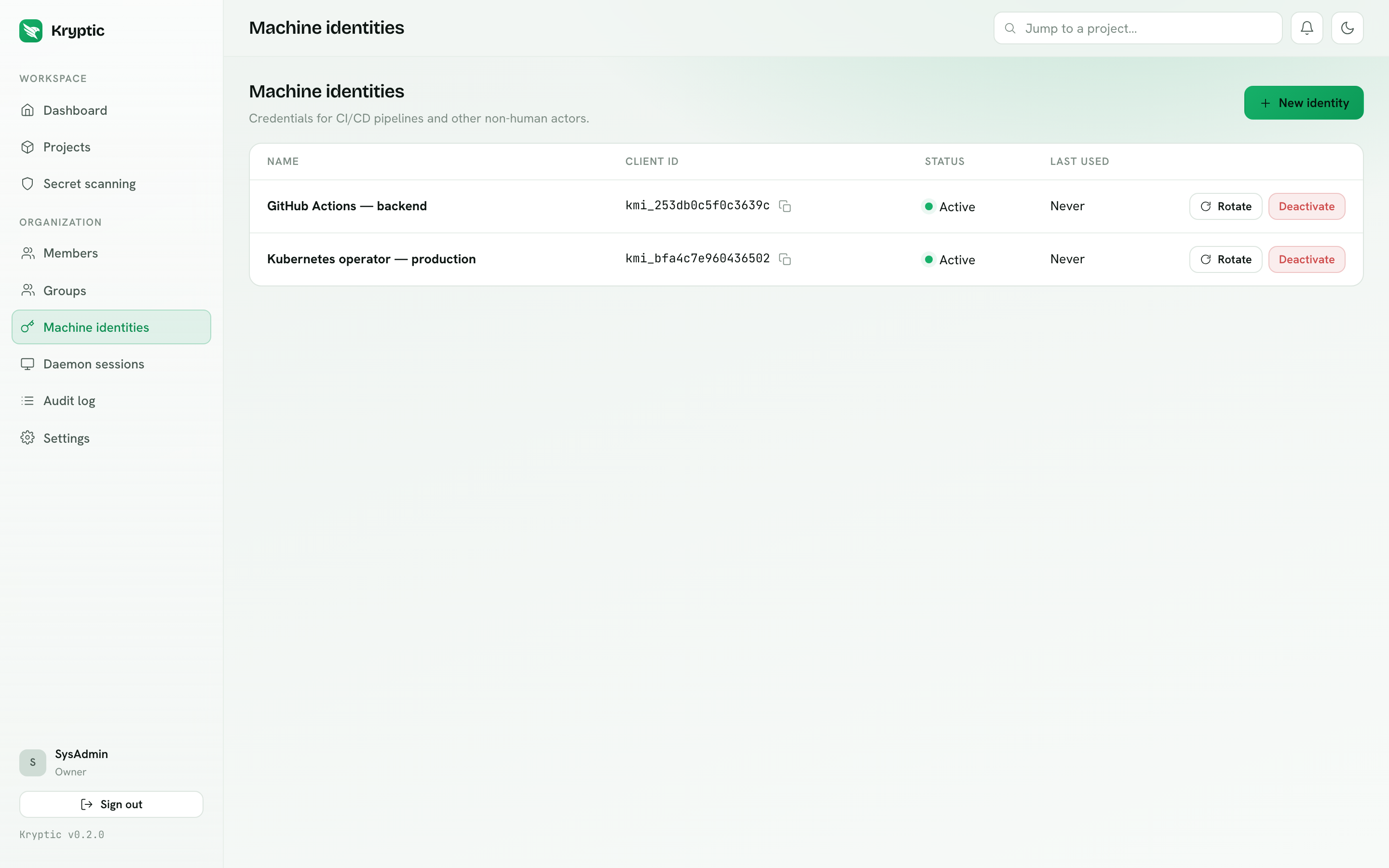
Credentials for CI/CD and other non-human callers. Unlock the vault to create one: the browser generates the key pair and can seal the organization key. The client secret is shown exactly once at creation and stored only as an Argon2id hash. There is no project-scoping control in the dashboard. Rotate or deactivate from this page. Pending machine grants, if any, are approved on Approvals. See Machine identities.
Daemon sessions and device approval
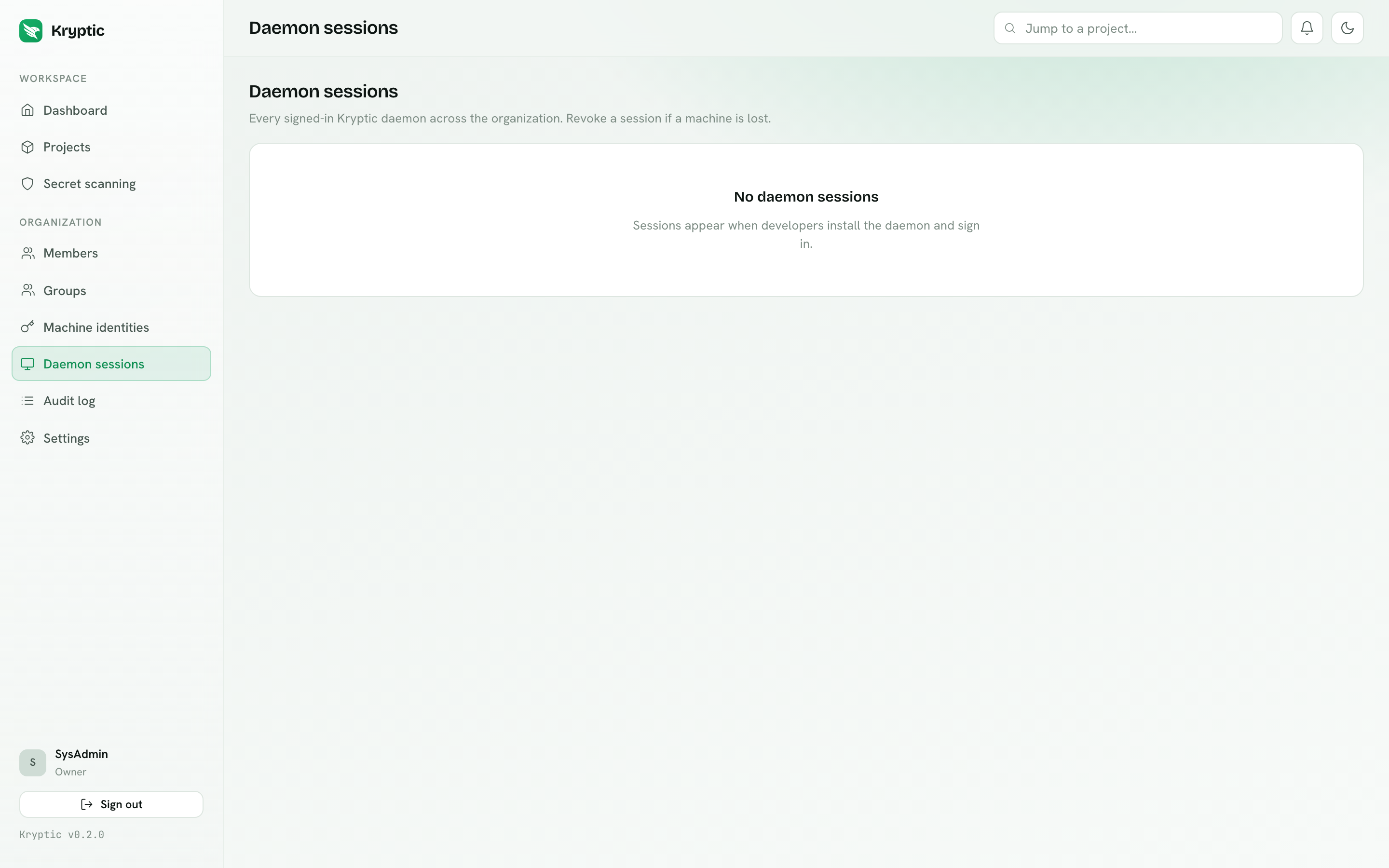
Every signed-in developer machine: device, platform, version, IP and last seen. Admins see the whole organization and can revoke any session. This is the "someone lost their laptop" control. Non-admins see only their own devices (My daemons).
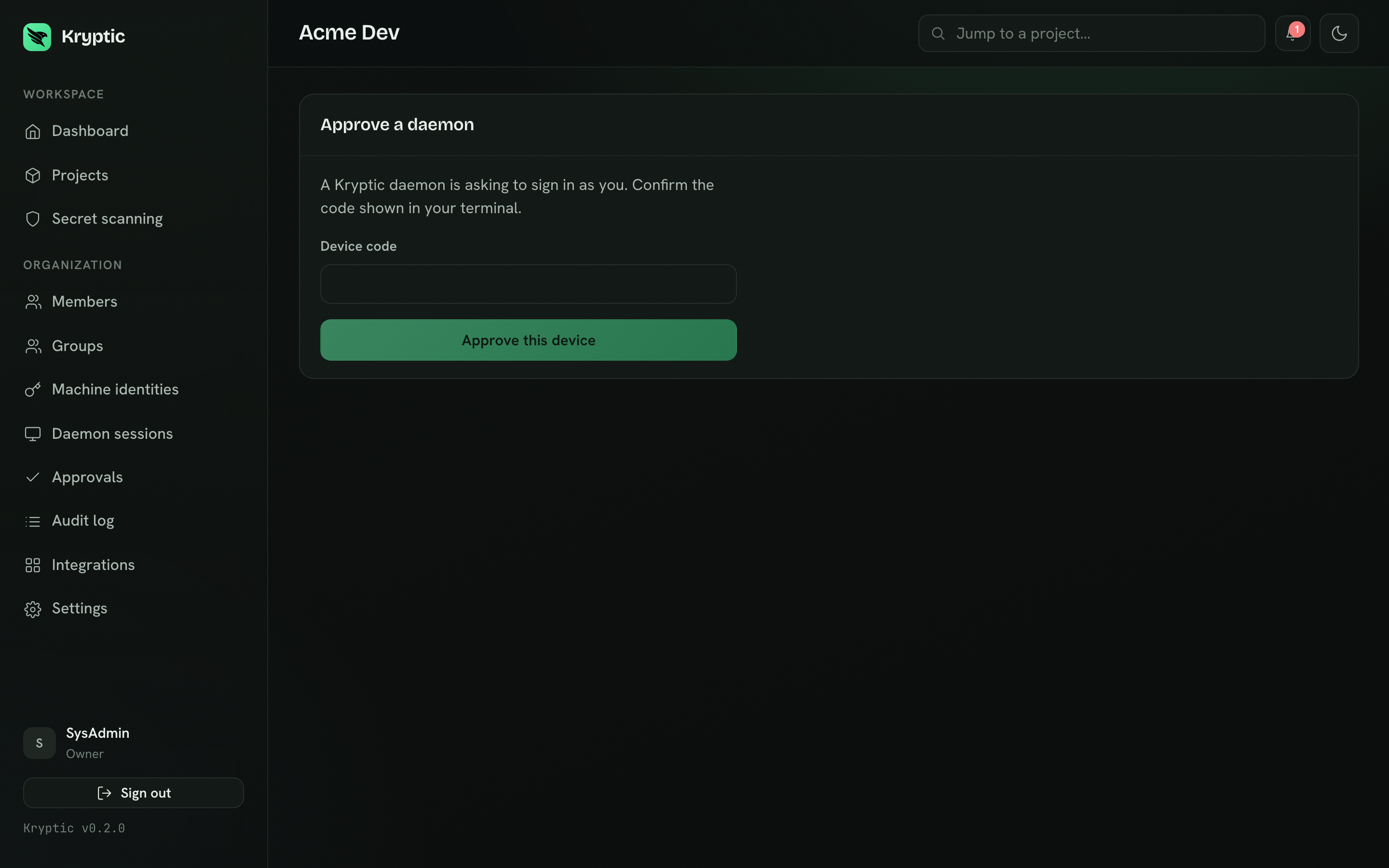
Approving a device-flow code on /device binds the daemon to the account.
Decrypt still needs an organization-key grant. An admin can grant that key on
the device page after approval, or later on Approvals. A signed-in daemon
without a grant cannot serve a single secret.
Approvals
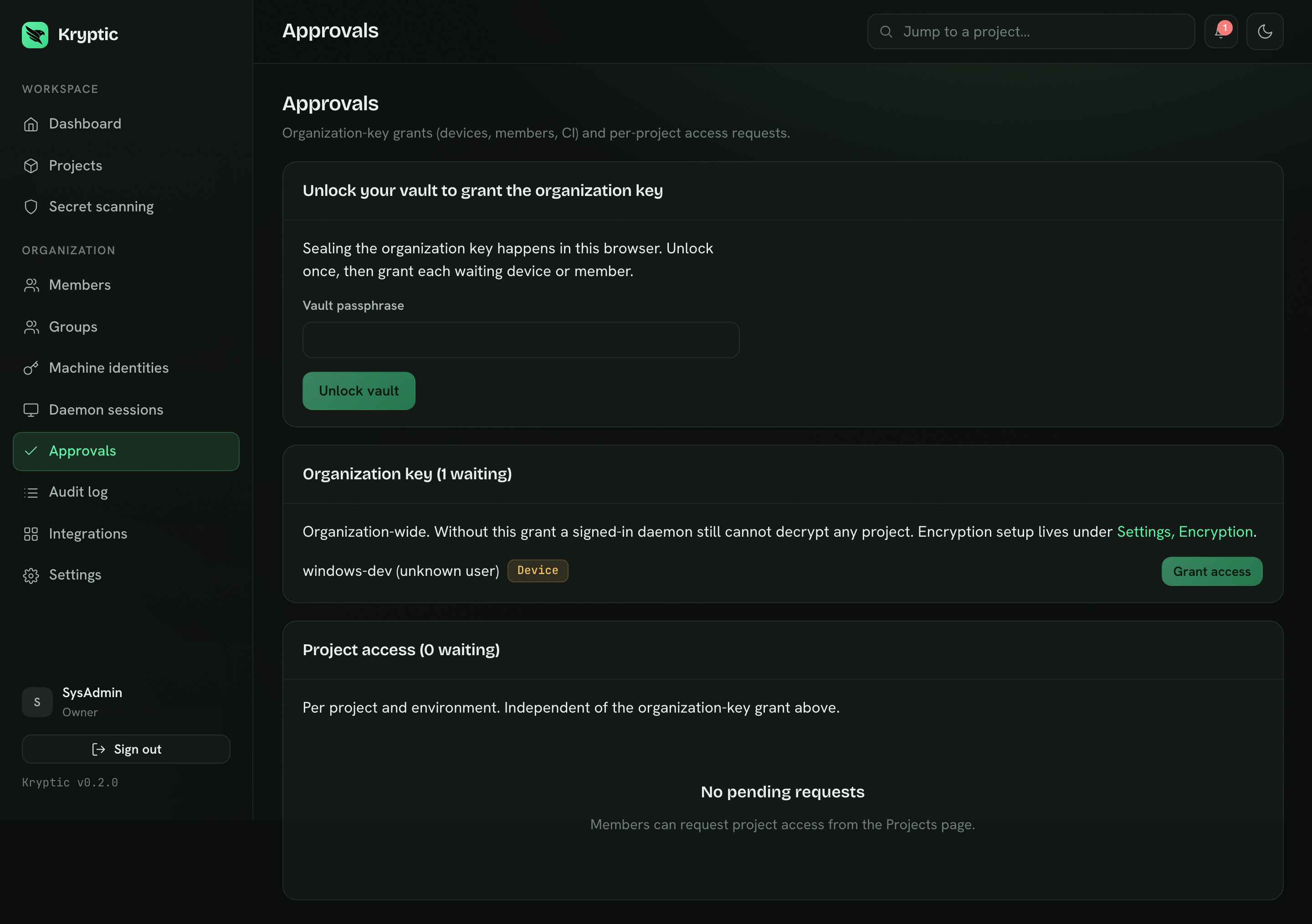
Approvals is tabbed by kind:
- Change requests. A developer-proposed secret write or org-reference link. For a value, reveal decrypts the proposed ciphertext in the browser. For an org reference, Approvals shows the catalog key and the environment mappings. Approving applies the change. The requester can cancel. Pending requests follow the organization's expiration setting (default 7 days, or no expiration) and their notifications are removed when they expire.
- Access requests (per project and environment). Approving creates the grant. Pending requests also expire after 7 days.
- Organization-key grants (org-wide). Members, devices, and CI machines wait here until an admin seals the org key. The vault must be unlocked.
Encryption setup stays under Settings → Encryption. Grants are not approved there.
Audit log
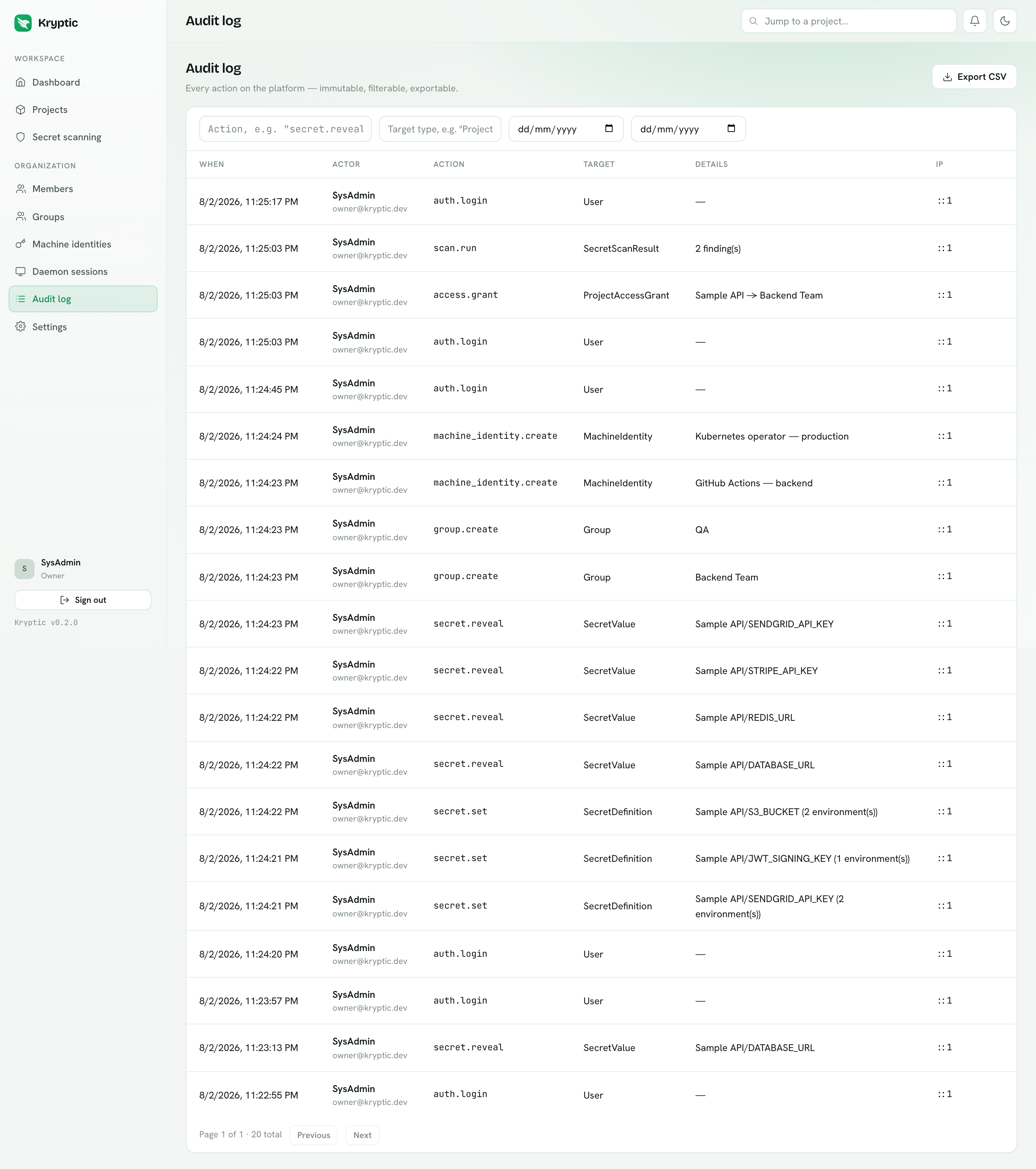
Every mutation and every secret read, filterable by action, target type and date range, exportable to CSV. The rule is audit the action, never the value: a reveal entry names the key and environment, never the secret.
Secret scanning
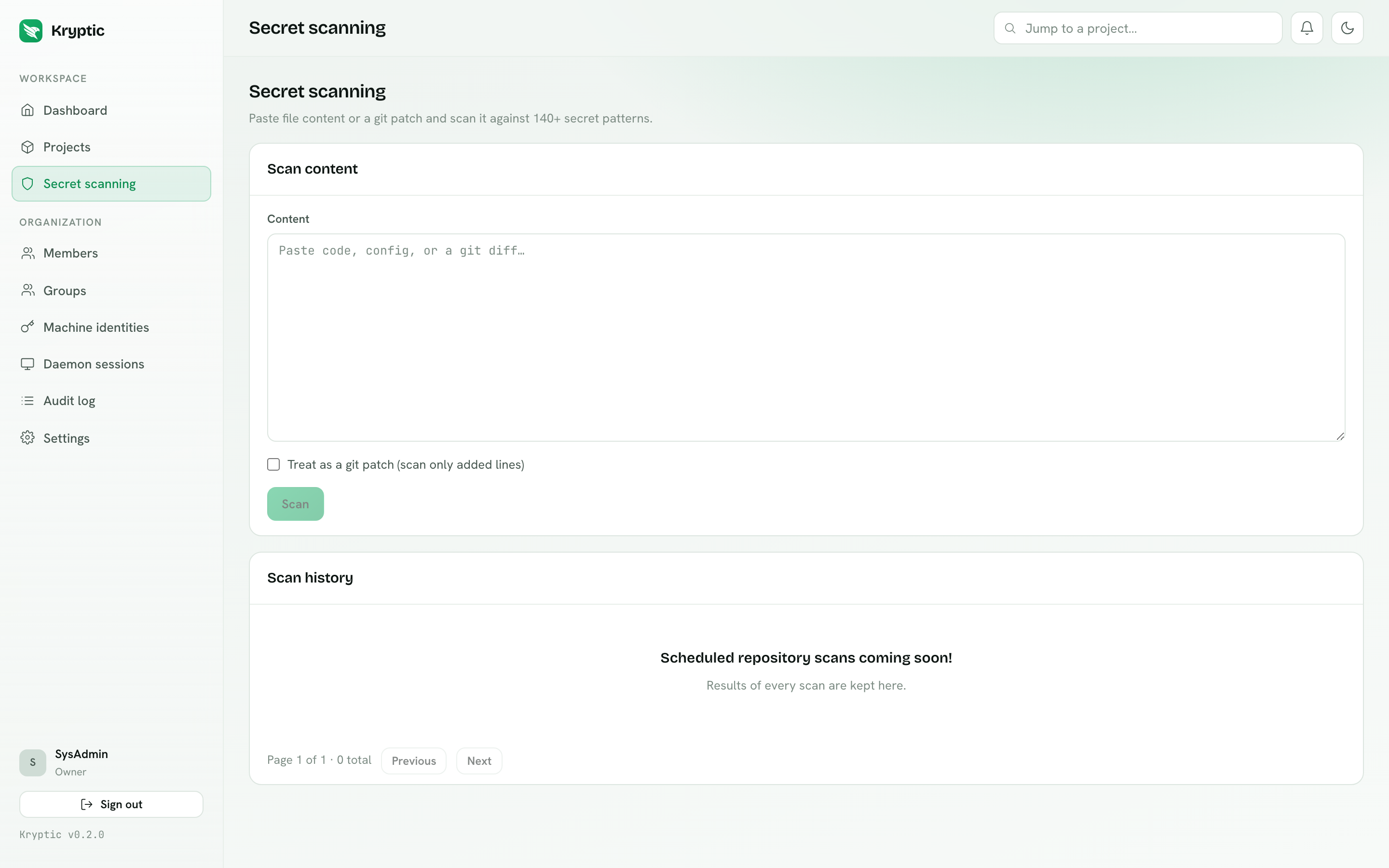
Paste file content or a git patch and scan it against 222 gitleaks rules. The
same engine runs fully offline in the CLI. See kryptic scan.
Integrations
OAuth, SAML and SCIM live under Integrations, not Settings.
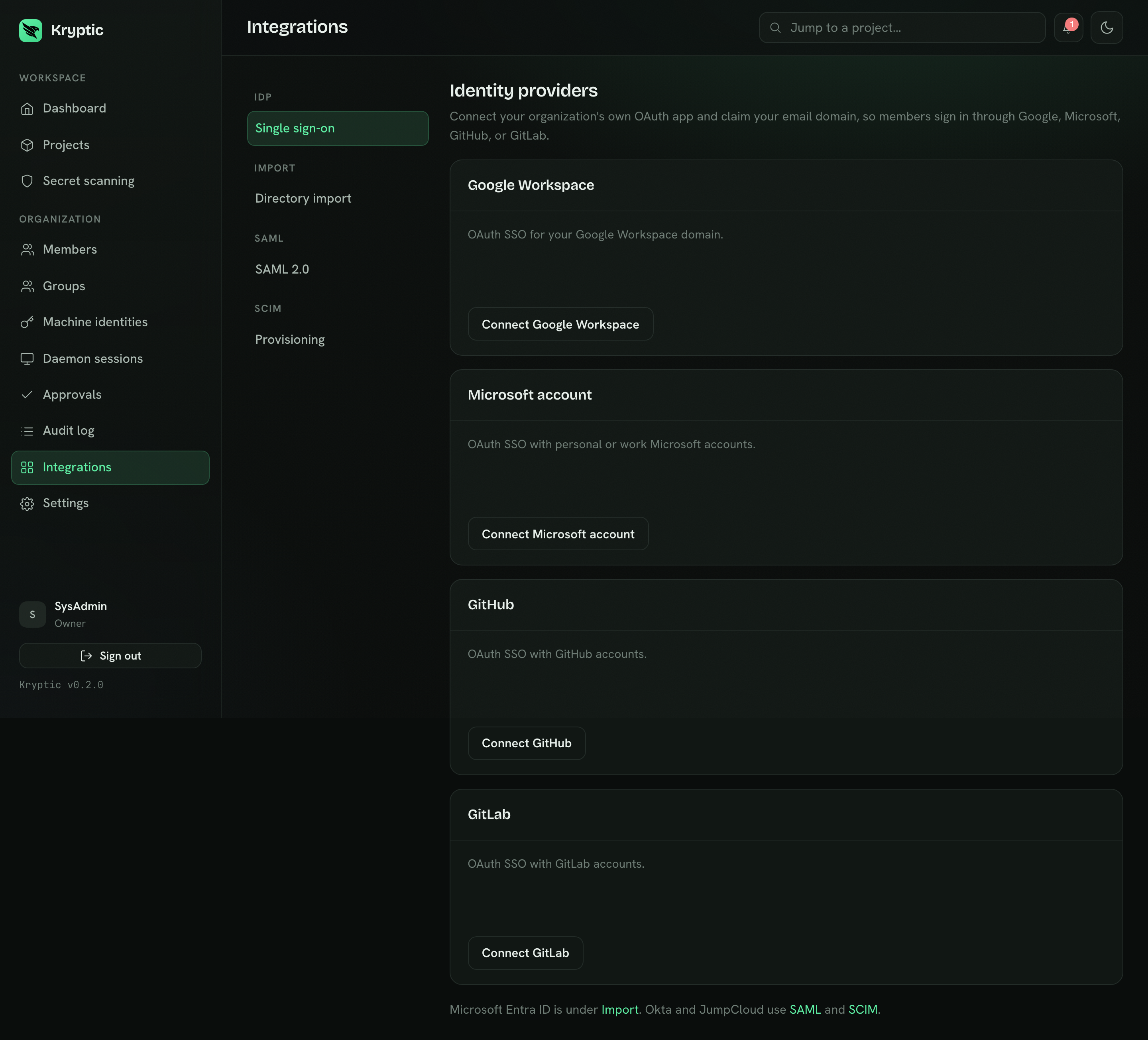
- Single sign-on - connect the organization's own OAuth apps (Google, Microsoft, GitHub) and claim an email domain for auto-provisioning.
- Directory import - pull users and groups from Microsoft Entra (and Google Workspace when configured).
- SAML 2.0 - Okta, JumpCloud, or a generic SAML 2.0 provider. Connecting Okta or JumpCloud issues a SCIM token in the same step. See Set up Okta or Set up JumpCloud.
- Provisioning - SCIM 2.0 token issue and revoke. See SCIM.
The stored OAuth client secret is encrypted with the organization's operational data key, not the client-held org key.
Settings
Account is only for members who sign in with a local password: change that password and manage optional TOTP, recovery codes, and remembered browsers. Display name and email are not editable here. SSO, SAML, and SCIM members do not see Account. This is not the vault passphrase.
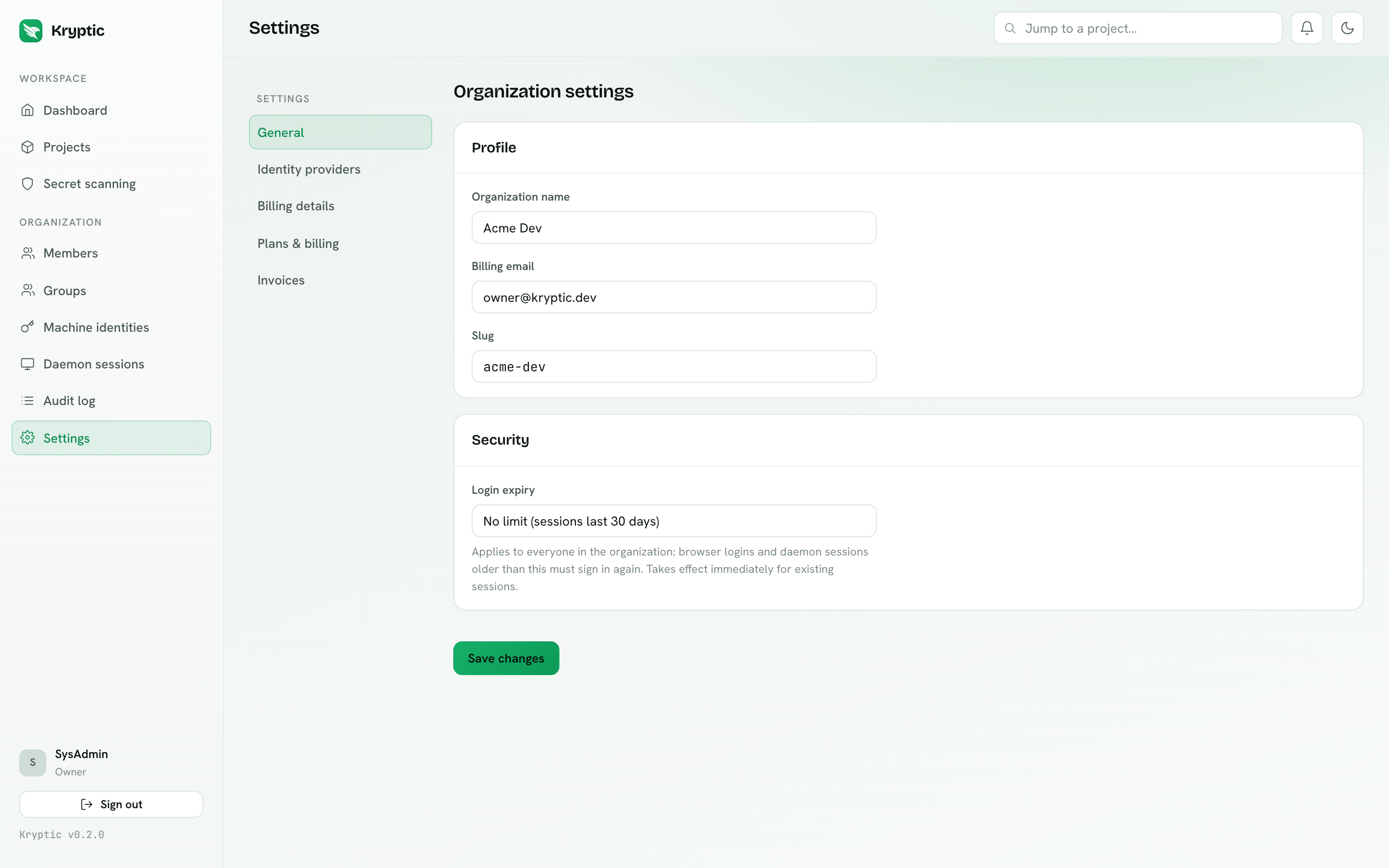
General requires organization.update (Owner in the stock roles). It holds
the organization name and slug. Billing email lives on Billing details,
not here.
Authentication is the same permission. Owners can require MFA for password accounts, allow remembering a browser for 30 days after TOTP, set login expiry, and choose whether daemon machines keep a durable org-key grant after the first approval. SSO and SAML stay on the identity provider.
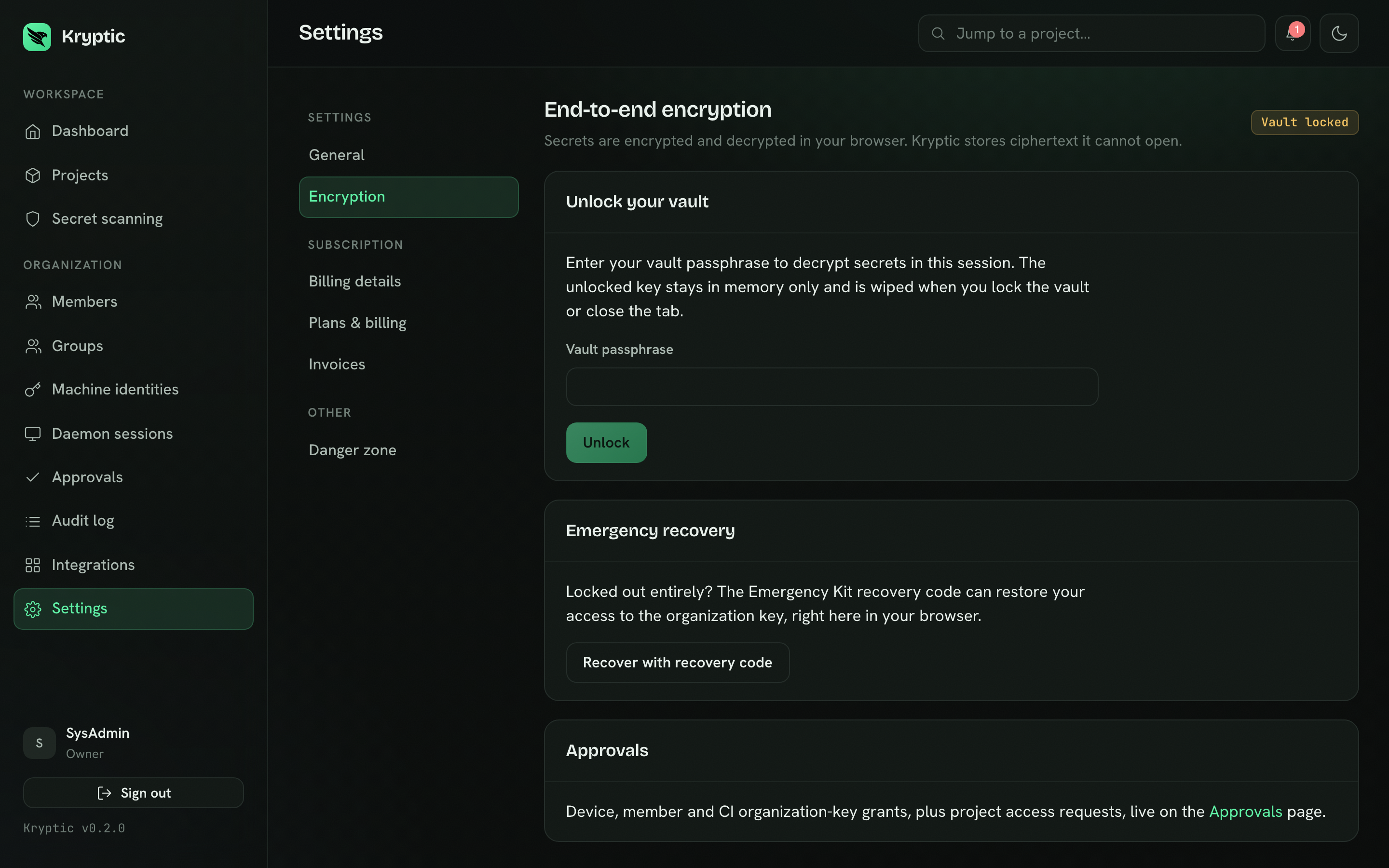
Encryption is where every member enrolls a vault, unlocks or locks it, and changes the vault passphrase (re-wraps the same key, so grants stay valid). Forgot the passphrase? Kryptic cannot reset it. Creating a new vault key revokes grants; an admin must grant the organization key again. An Owner or Admin also initializes the org key, downloads the Emergency Kit, recovers with the recovery code, and rotates the key. Every cryptographic operation runs in the browser. Pending grants are approved on Approvals, not here. See Encryption.
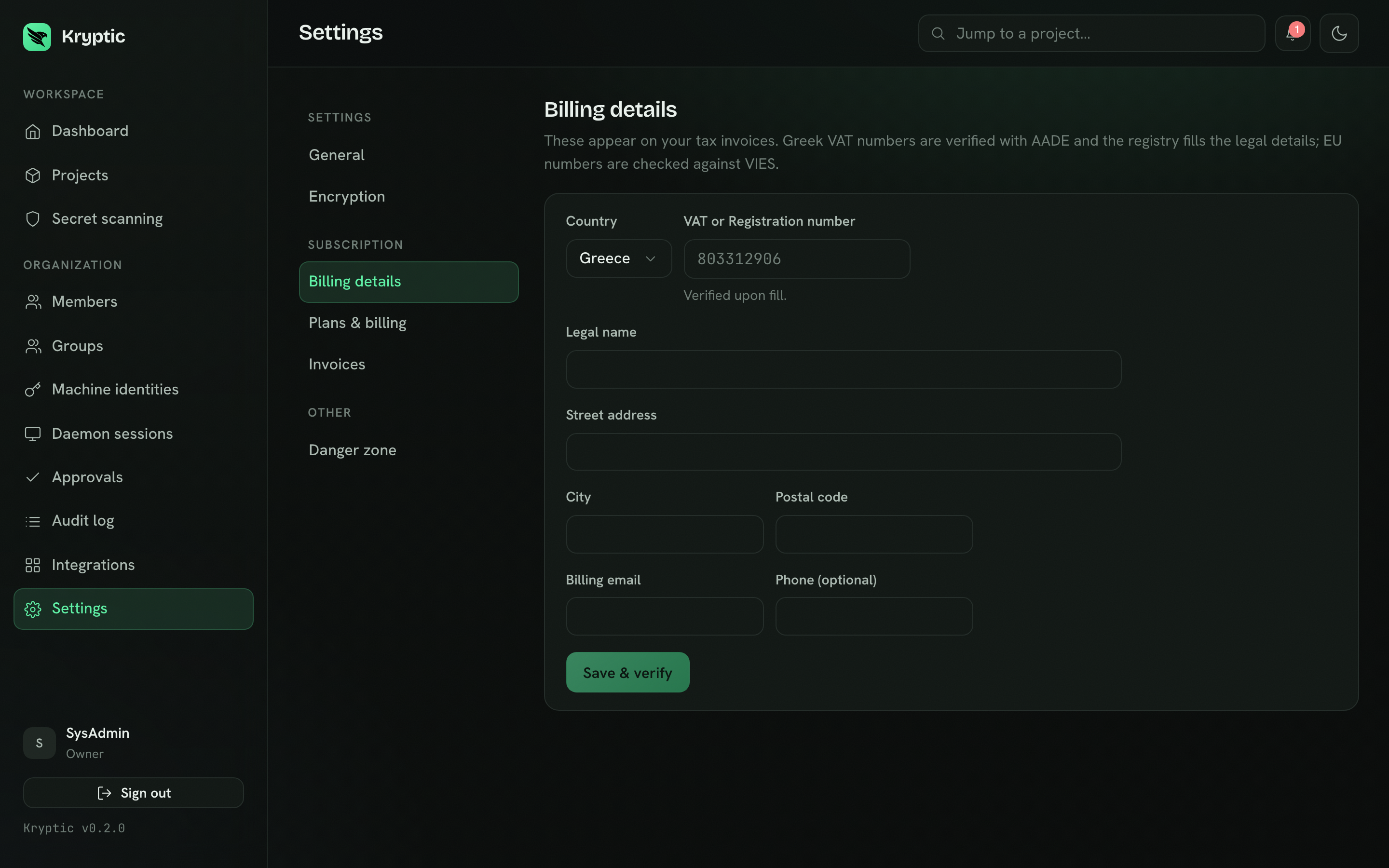
Billing details is the legal invoice record: company name, address, country, and VAT. Greek VAT numbers are resolved from the AADE registry.
Plans and billing
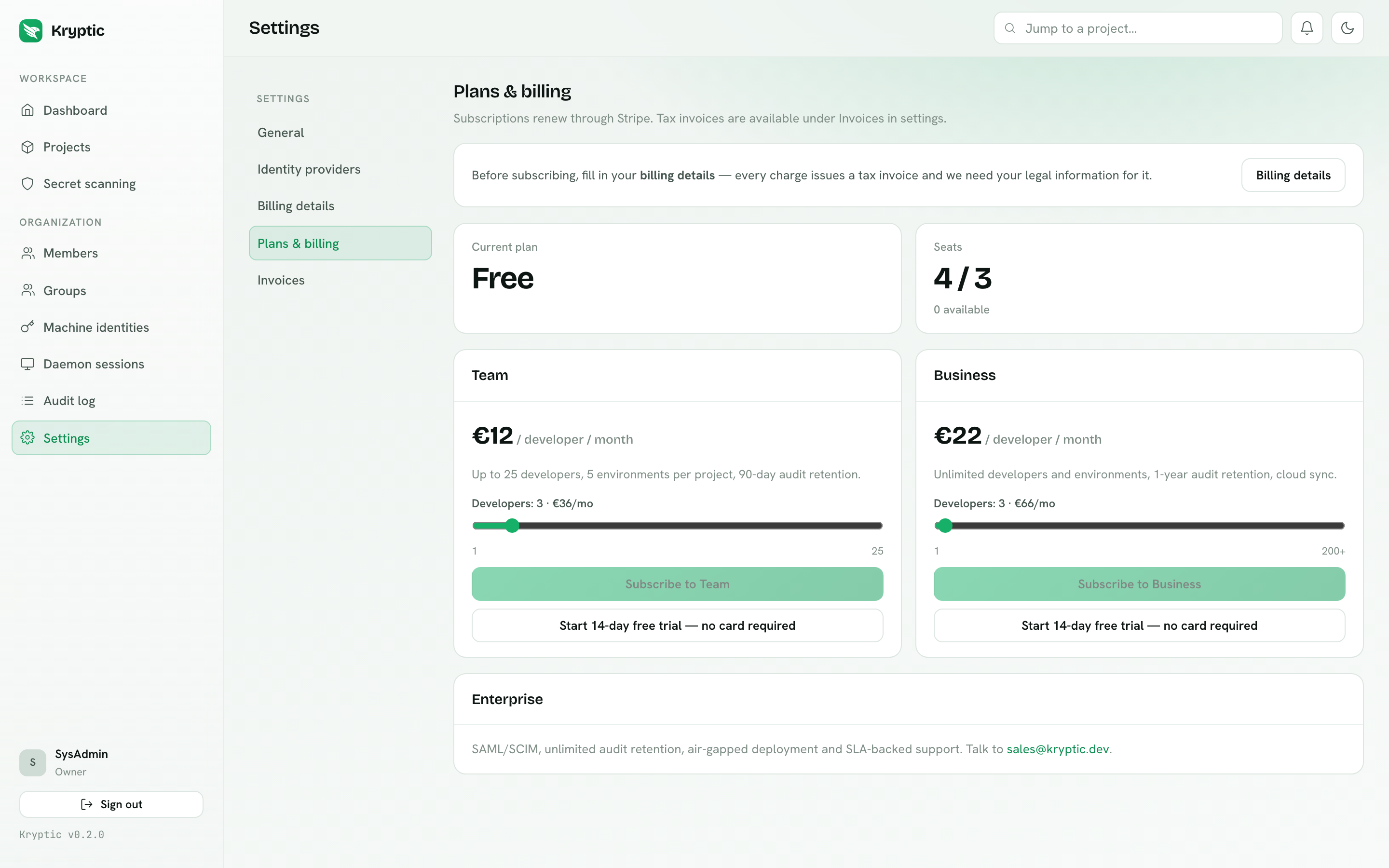
Plans & billing shows a shop before you subscribe (monthly or yearly at two months free, 14-day trials that start without a card). A trial creates a Stripe subscription in trialing so you can open the customer portal and add a payment method before the trial ends. After subscribe it is one status card plus Change seats, Change plan, and Change billing. Seat bands are Free up to 3, Team up to 25, Business up to 200, and Enterprise unlimited. Adding seats, upgrading a plan, and switching monthly to yearly each open Stripe Checkout. Yearly downgrades wait for renewal. If a trial ends without a card, or a paid plan is cancelled or fails renewal after a 3-day payment grace, the org returns to Free: the Owner and up to two Admins stay active; other members are disabled until you subscribe again and re-enable them. Shared-secret catalog rows and existing project org references stay and keep resolving; new catalog writes and new project links wait until you are on Business or Enterprise again. Unlink stays allowed. See Org shared secrets.
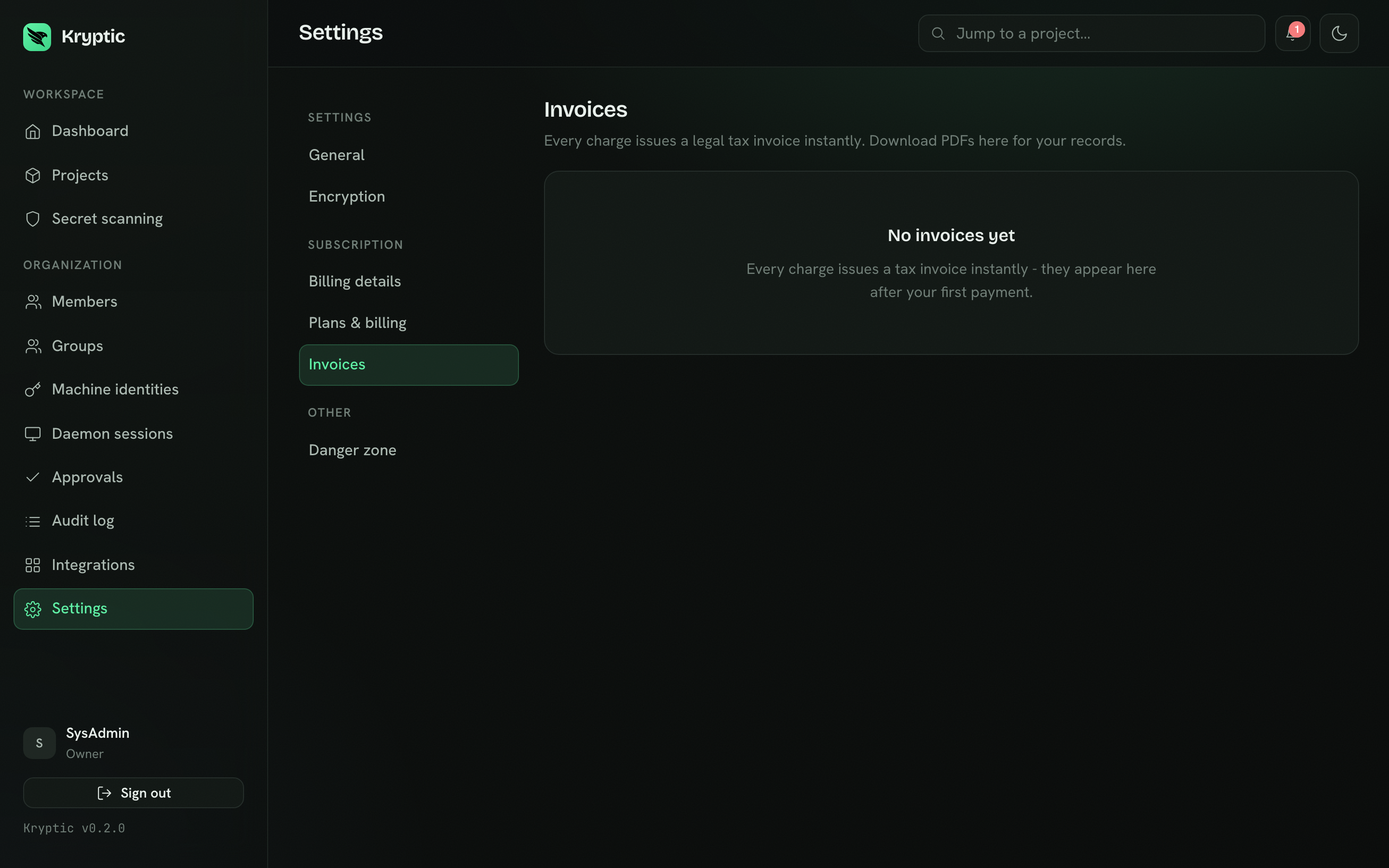
Invoices lists every tax invoice as a downloadable PDF.
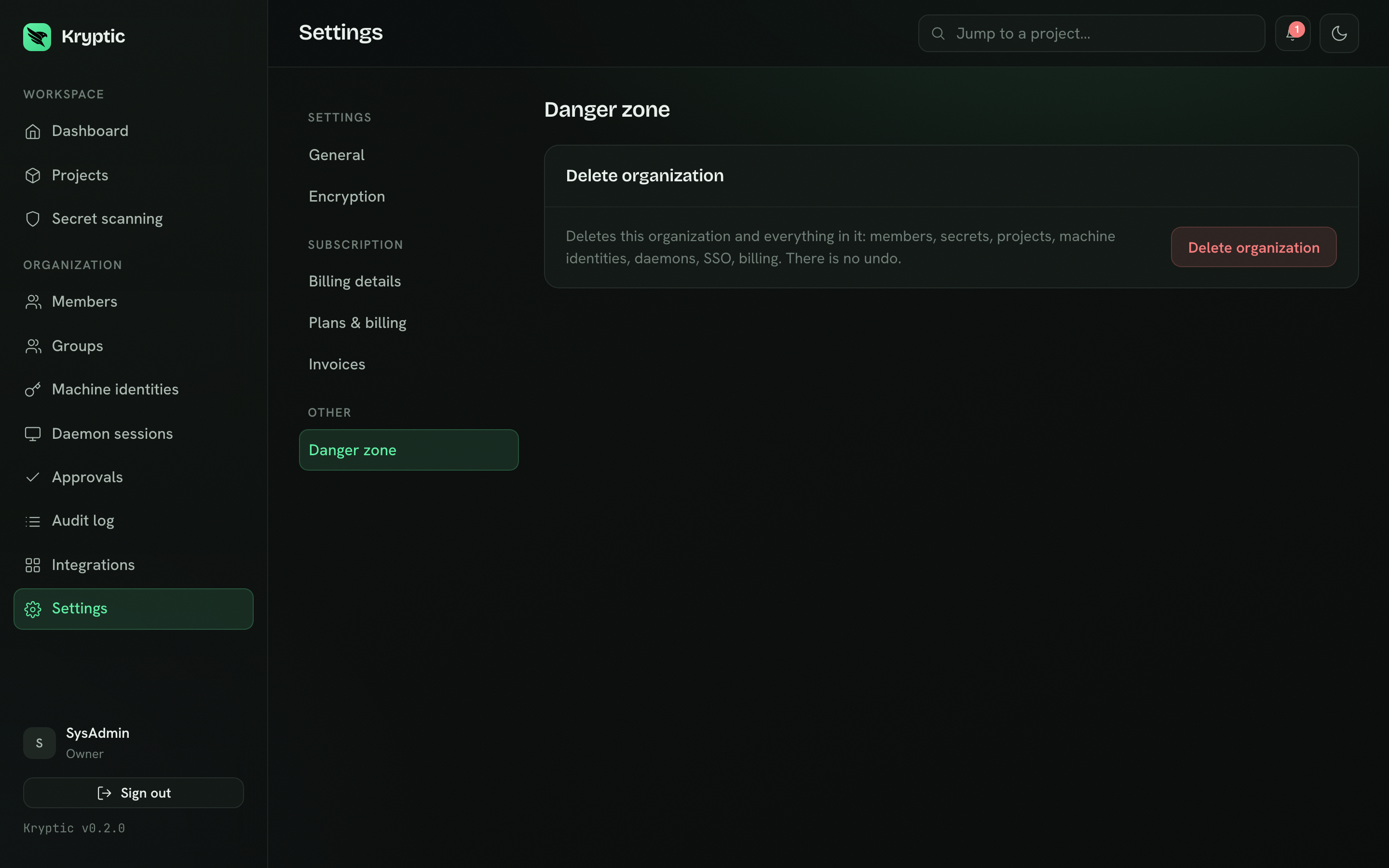
Danger zone (Owner only) deletes the organization and everything in it. You type the organization name, then your login password, or your vault passphrase if you signed up with SSO. There is no undo.
Self-hosted deployments without Stripe configured show a sales pointer instead of a broken checkout. Nothing in the dashboard depends on billing being set up.